
If you are asking is palworld cross platform before starting a new survival world, the short answer is yes, with a few important limits. Palworld supports cross-platform multiplayer between its supported PC and console versions, so a Steam player can team up with friends on Xbox or PlayStation in compatible online modes. The confusing part is that cross-play, cross-save, and server support are separate systems. Build what keeps you alive first, then sort out the connection details before anyone spends an evening creating a character that cannot join the group.
Is Palworld cross platform right now?
The current version supports cross-play across the major available platforms: Steam on PC, Xbox consoles and PC Game Pass, and PlayStation 5. That means players can generally join the same multiplayer session even when they bought the game through different storefronts. Palworld is not available on every gaming system, though. Nintendo Switch and mobile versions are not part of the normal cross-play group, and there is no reason to plan a shared world around an unsupported platform.
The exact experience depends on how the host creates the world. A small co-op world and a dedicated server do not always expose identical settings, player limits, or save behavior. Updates can also change compatibility, so everyone should launch the current game version before troubleshooting. If one player is several patches behind, the problem can look like a cross-platform failure when it is really a version mismatch.
The important distinction is this: cross-platform multiplayer lets different systems play together, but it does not automatically move your character, Pals, inventory, or base between systems. If you begin on Steam and later install the Xbox version, do not assume your progress will be waiting there.
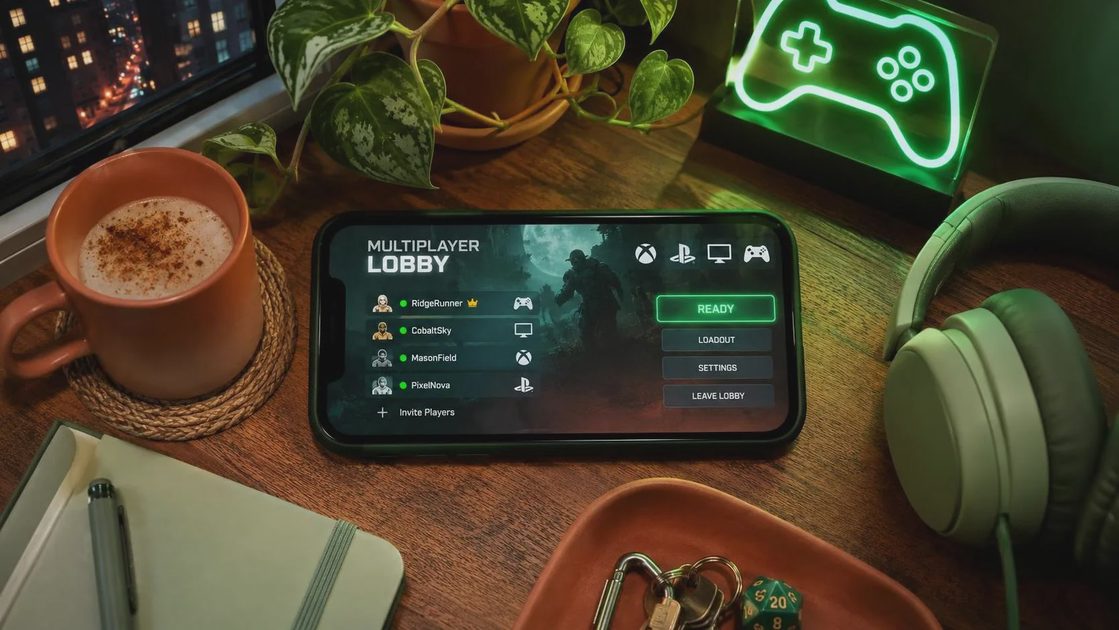
Which platforms can play together?
Steam PC, Xbox, and PlayStation 5 are the platforms most players need to compare. PC players using Steam or PC Game Pass should confirm which version they own, because storefront differences can affect how they find a session. Xbox console players can join compatible multiplayer worlds, while PlayStation 5 players can connect through the game’s supported cross-play features. The PlayStation release expanded the practical player pool, but it did not turn Palworld into a universal game across every device.
When friends are planning a server, choose the platform with the most dependable setup rather than the newest hardware. A dedicated server is usually the cleaner answer for a regular group because the world remains available without one player acting as host. It also gives the group a stable home for breeding, ore runs, and base expansion. For two or three people playing casually, a hosted co-op world is simpler and costs nothing beyond the game and the required online access.
Do not confuse a PC storefront with a separate game ecosystem. Steam and Xbox app players may have different menus and server paths, even when both are using a Windows computer. Write down each player’s platform, game version, and intended server type before inviting anyone. That three-minute check beats rebuilding a base after the wrong person creates the permanent world.
How to enable cross-play multiplayer
If someone asks is palworld cross platform after an invite fails, start with the host’s settings instead of reinstalling the game. Open the world’s multiplayer option and confirm it is enabled. A single-player save that was created without multiplayer access will not behave like an open co-op server until the host changes the appropriate setting. The host should then load the world fully before other players search for it.
For a normal co-op session, share the invite code or use the in-game friend and server list, depending on the version. On dedicated servers, use the server address or listing information supplied by the administrator. Everyone should enter the same region or server details, and every player needs an online account connected to the platform they are using. Console privacy controls, family settings, or blocked cross-network play can stop an otherwise compatible connection.
Use a simple launch order. First, update Palworld on every machine. Second, restart the game after the update. Third, have the host load the world. Fourth, send the invite or server information. Finally, test with one guest before the whole group commits to a long session. This catches connection problems while the stakes are still low.

Cross-play is not cross-save
This is where many players lose time. Cross-play answers the question, is palworld cross platform for multiplayer? It does not promise shared progression across platforms. Your Steam save, Xbox save, and PlayStation save should be treated as separate unless an official update specifically adds a transfer or synchronization feature.
If you want to switch hardware, plan around the original platform. Keep the main world on the system where the most reliable host plays, and avoid starting a second “temporary” world unless you are comfortable splitting your progress. A dedicated server can make group access easier, but it is not a magic cloud locker for every character and item. Server transfers and save management have their own rules, and careless file replacement can cost a world.
There is another practical limitation: the host matters. In a basic co-op world, the host’s availability controls when the group can play. If the host is offline, guests cannot simply continue the same world as though it were a persistent server. A dedicated server solves that access problem better than repeatedly asking whether a console can connect to a PC.
Fixes when cross-platform play fails
When is palworld cross platform appears not to work, check the boring causes first. Confirm that every player is on the same current build. Close the game completely instead of leaving it suspended on a console. Restart the router only after checking the game settings, because network resets rarely fix a disabled multiplayer toggle.
Next, have the host create a test world and invite one player. If that works, the original save probably has a setting or server issue. If it fails, compare platform accounts and privacy permissions. A player who cannot receive invitations in another cross-network game may have an account-level restriction. On PC, firewall software can also interfere with server discovery; allowing the game through the firewall is more useful than randomly changing ports.
Server lists can be slow or incomplete, so searching repeatedly is not a reliable test. Use a direct invite or address when available. Also check whether the server has reached its player limit. If three friends connect successfully and the fourth cannot, capacity is a better suspect than platform incompatibility.
The practical answer for your group
So, is palworld cross platform? Yes, for supported PC, Xbox, and PlayStation 5 multiplayer, but the setup is not completely frictionless. Cross-play lets different hardware share a world; it does not guarantee cross-save, identical menus, or unrestricted access to every server type.
Before starting, decide who owns the main save, whether you need a persistent server, and which platform will host the group most often. Update every copy, enable multiplayer, test one invite, and only then spend hours building a ranch, breeding a combat team, or hauling ore across the map. Good bases solve tomorrow’s problem early, and a good multiplayer setup does the same. Once the connection works, stop worrying about storefront labels and get back to surviving the first night.
No letters yet.